

Backed up every day
A snapshot of your database is taken every day and kept for seven days, in Europe alongside the data it protects. Your records export to CSV or PDF whenever you want, so the copy you hold never depends on us being here.
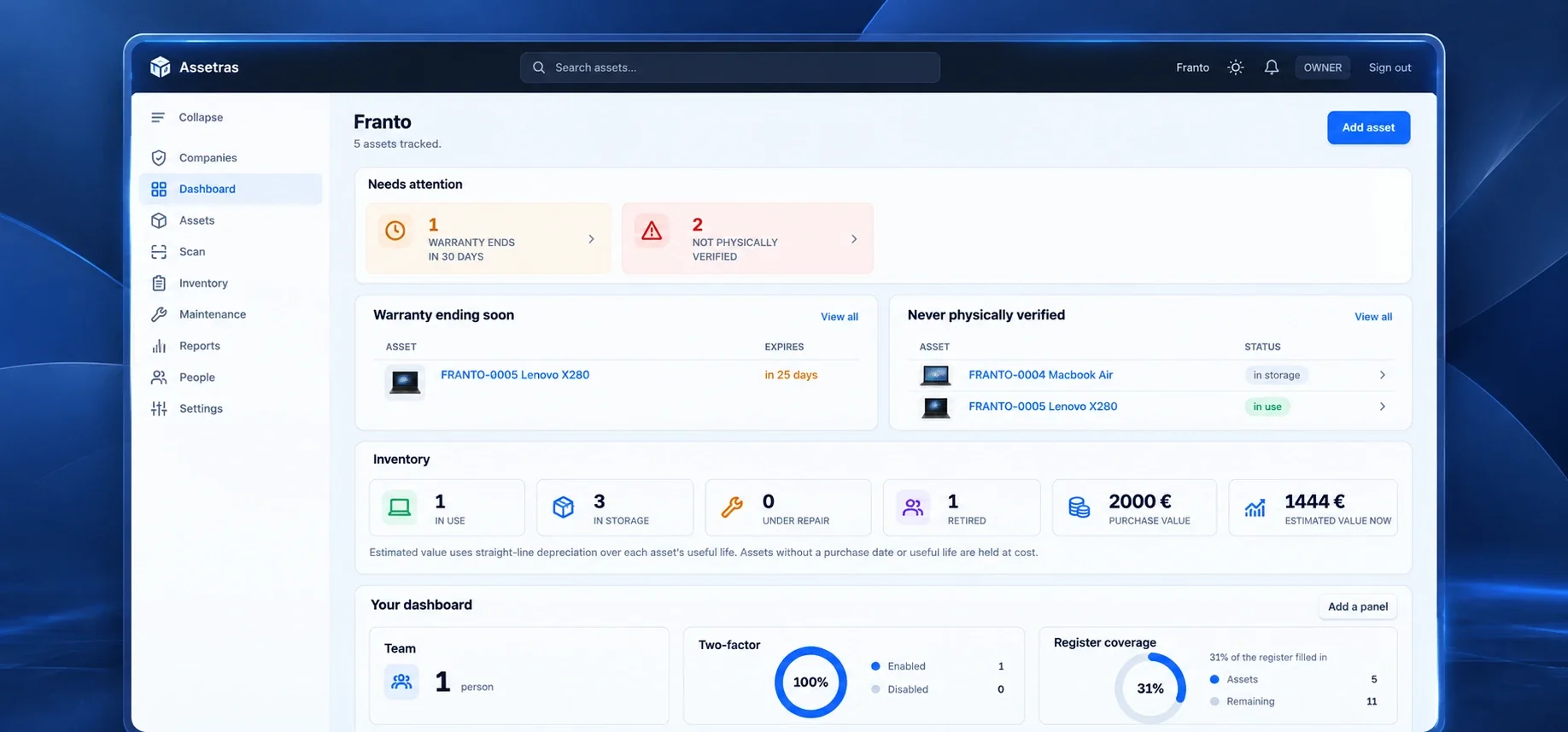
Where it is, who has it, what it cost, and when it needs attention. Laptops, vehicles, tools, furniture and keys, tracked properly, without a spreadsheet that three people maintain differently.
We set your company up, then you get seven days with the full product. No card required, and your existing spreadsheet can be imported straight in, so nothing has to be typed by hand.

Backed up every day
A snapshot of your database is taken every day and kept for seven days, in Europe alongside the data it protects. Your records export to CSV or PDF whenever you want, so the copy you hold never depends on us being here.
Microsoft Entra ID and Intune
Connect Microsoft 365 once and bring in your people from Entra ID and your company devices from Intune, without exporting a file. Assetras only reads, never changes your directory, and shows you every row before anything is saved.
Two-factor authentication
Add a six-digit code from an authenticator app, so a stolen password alone is no longer enough to sign in. It is optional for every user, and an owner or admin can reset it if somebody loses their phone. Every reset is recorded in the activity log and cannot be quietly erased.
Label and scan
Every asset gets a QR label the moment you create it. Print a sheet, stick the labels on, and identifying an asset becomes as simple as pointing a phone at it. There is no app to install, and a label only opens for somebody who is already signed in.
None of them are a software problem until the day somebody has to answer for the number.
A laptop was moved between rooms. A drill went into a van. A freezer was sent for repair. Nobody wrote it down, and now the register says one thing while the building says another.
Someone copied it before making changes. Someone else keeps their own. Nobody is sure which one is current, and the differences only surface on the day somebody needs the number.
The invoice is somewhere. The certificate might be in an inbox. Nobody remembered the service date, and the first time anyone checked was when the equipment stopped working.
HR marked them as a leaver. IT disabled the account. Nobody checked what was still assigned to them until the laptop was already gone.
No modules to buy separately. This is the whole product.
Every asset gets a sequential tag and QR label. Choose your own prefix and categories, so your register fits the way your company works.
Assign, transfer and take back. Every handover is recorded automatically.
Schedule a service and complete it. The next due date is calculated from when the work was actually done.
Walk the building scanning labels. See what was found, moved, or could not be located.
Inventory, ownership costs, depreciation, warranty and spending. All twelve reports use the same underlying data.
Warranties expiring, maintenance overdue, assets reported missing. See what needs attention before it becomes a problem.
Attach invoices, warranty certificates and photos directly to an asset. Everything stays with the record when you need it later.
Track purchase price, repairs, accessories and insurance. See the total cost of an asset over its lifetime.
Point a phone at a sticker and the whole record opens: what it is, who has it, what it cost, and every hand it has passed through.
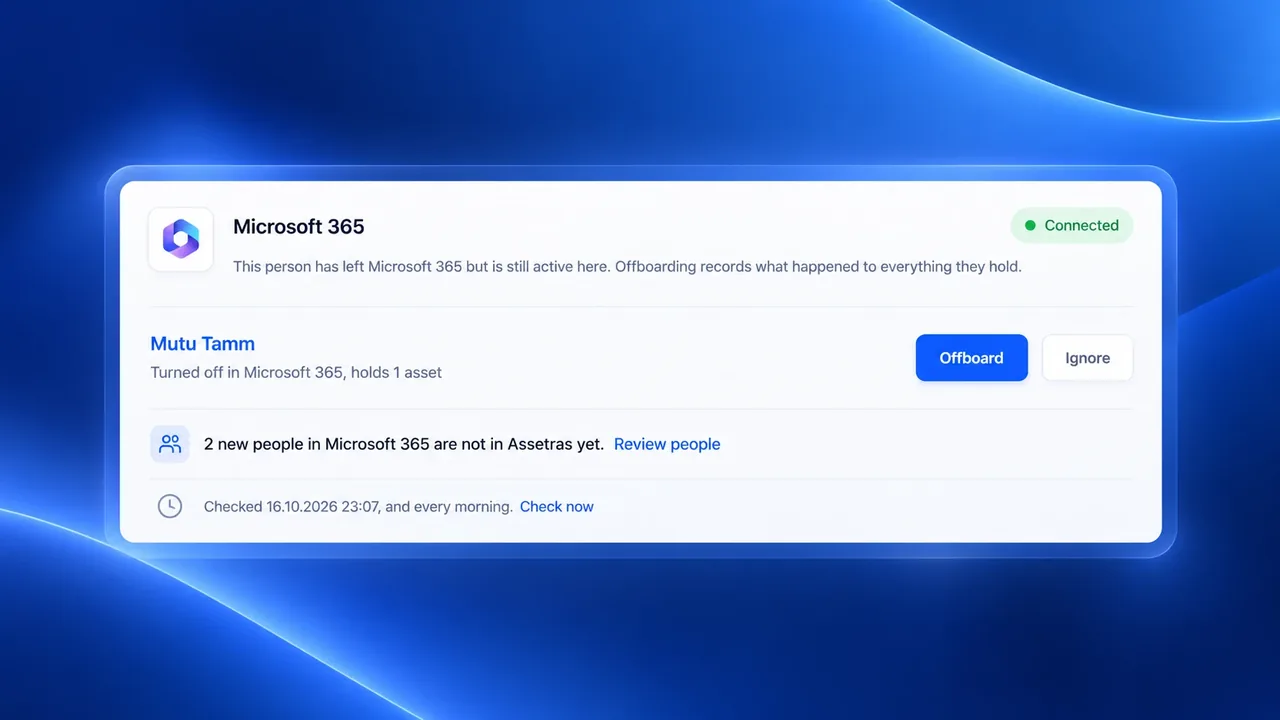
Assetras checks your Microsoft 365 automatically every day. Anyone whose account was turned off while they still hold equipment appears on the dashboard with an Offboard button, and new people and devices wait for you to add them. Nothing changes until you decide.
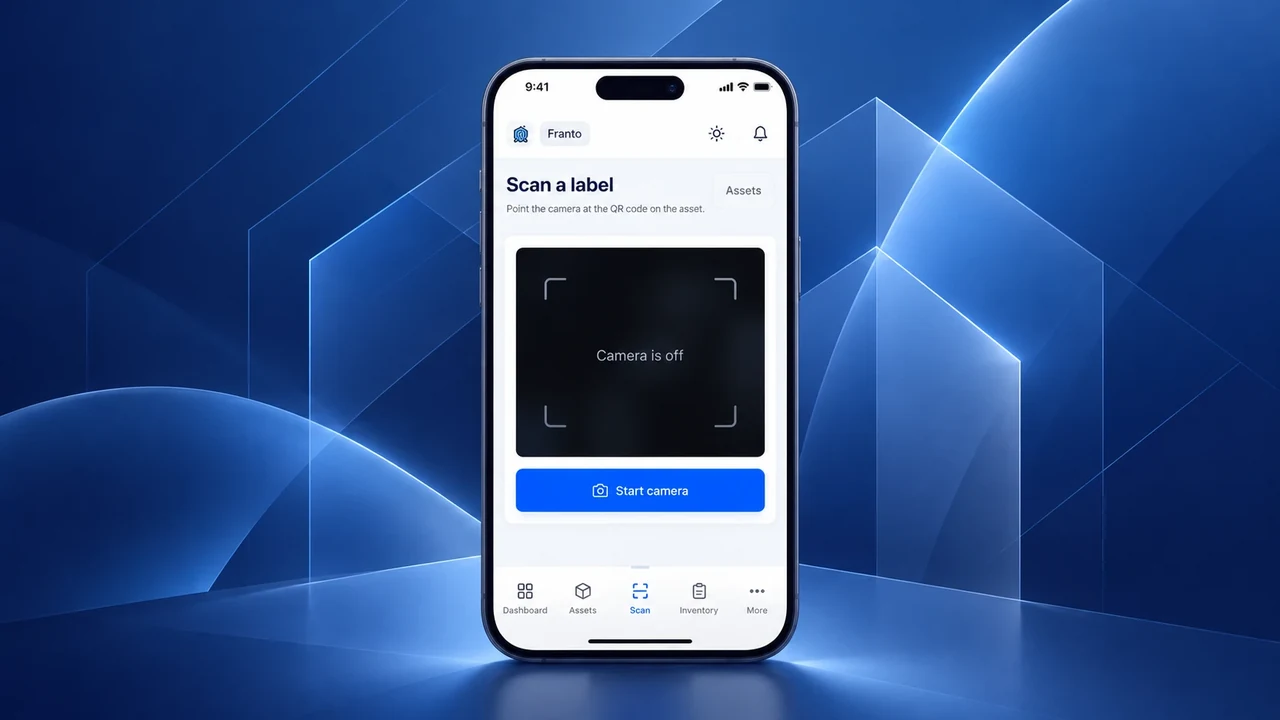
The phone reads the code itself. No picture of your label is ever sent anywhere.
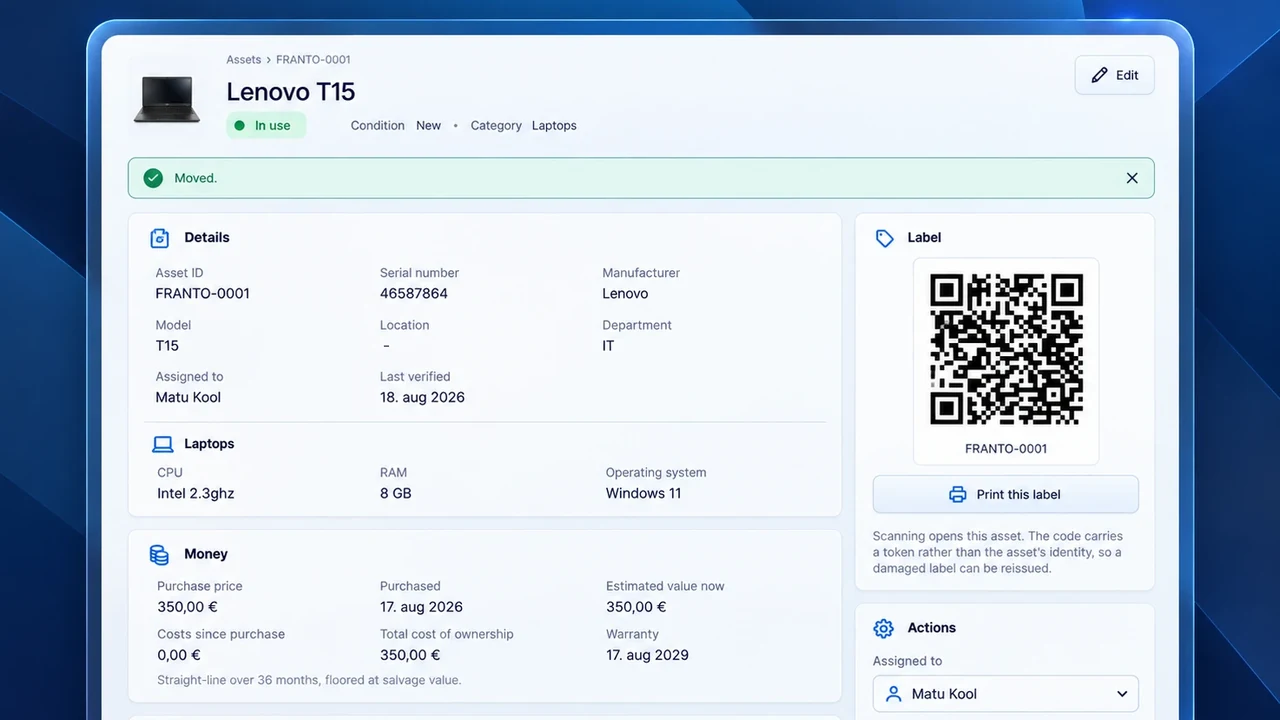
The label carries a token, not the asset’s identity. Replace a damaged label without exposing anything useful from the old one.
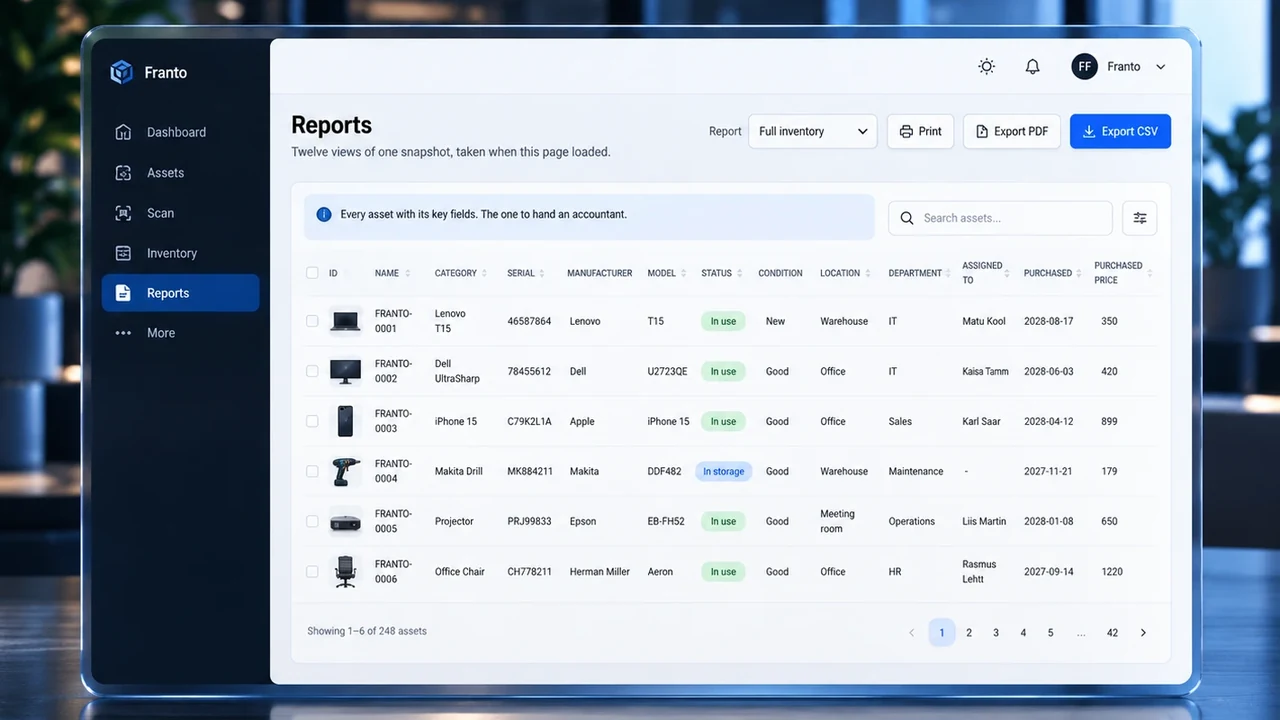
What you own, what it cost, what it is worth now, what is still under warranty. Every report is built from the same moment, so two of them can never disagree.
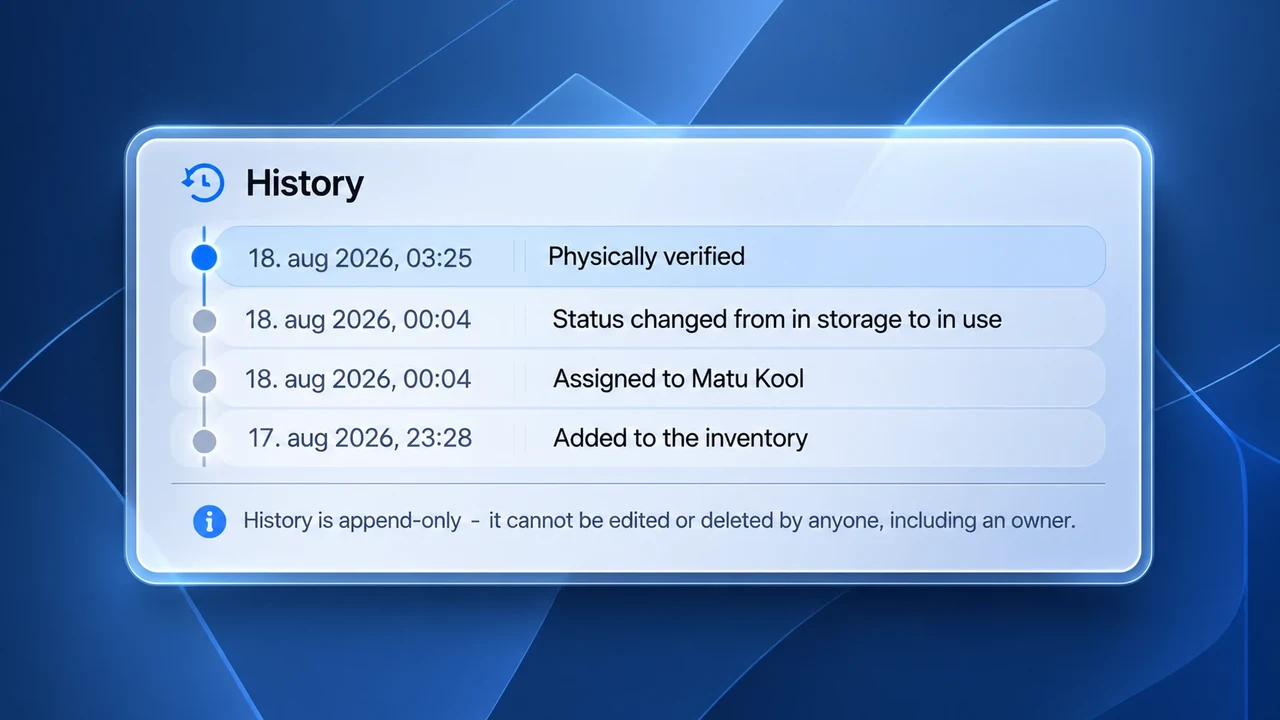
Assetras writes the history as things happen, so nobody has to remember to. Once written, a line cannot be changed or removed by anyone, including us.
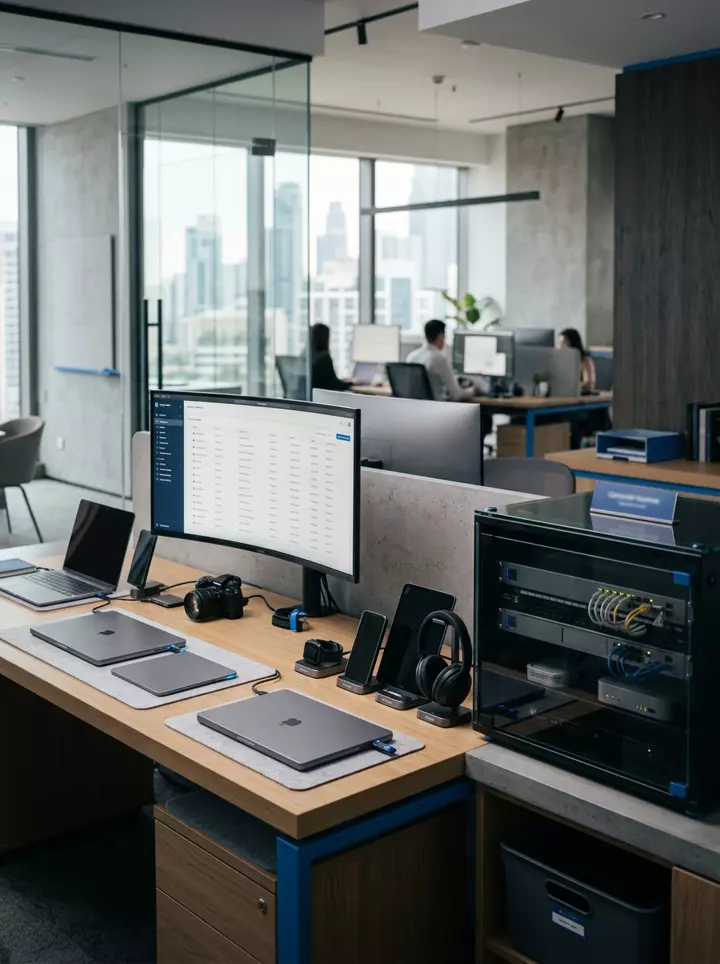
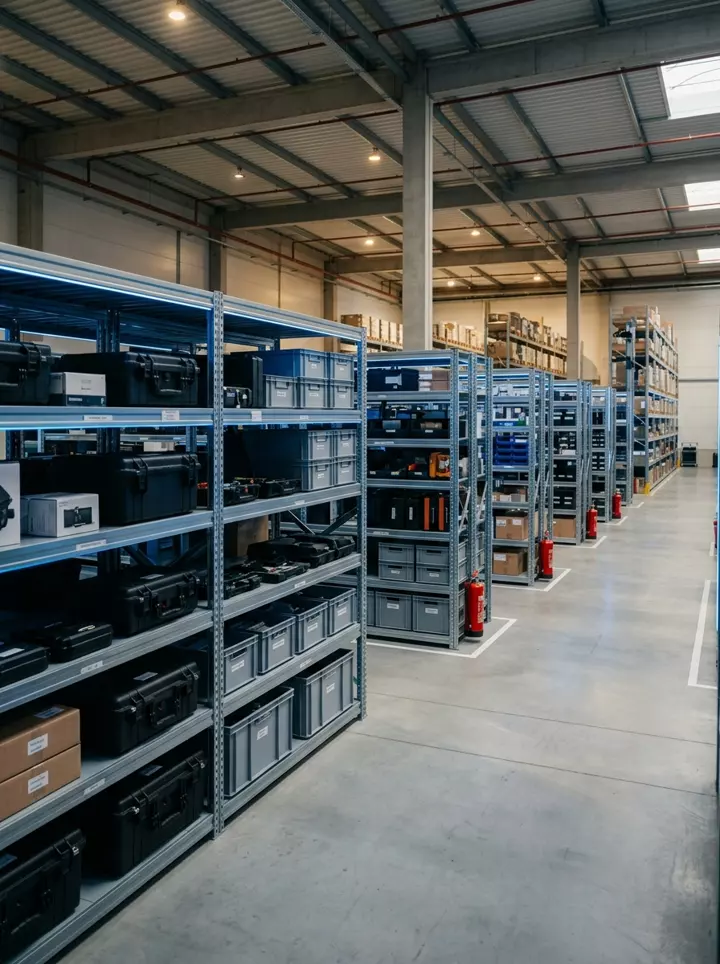
It works the same for any kind of equipment. If it has value, somebody responsible for it, and a place it is supposed to be, it belongs in the register.
 Hair and beauty
Used every day, worn out on a schedule, and quietly gone with a stylist who moved on.
 Shops and grocers
Half of it is under warranty and nobody can find the paperwork on the day it fails.
 Cinemas and venues
Expensive, immovable, and serviced by people who need to see a history.
 Workshops and sites
It moves between vans and jobs, which is exactly when it stops coming back.
 Offices and IT
The case we started from, and still only one of many.
You make the categories; we do not decide what your trade keeps track of. Each one carries its own fields, so a vehicle can ask for a plate number, a freezer for a service date and a laptop for RAM. You decide what matters for each category and Assetras keeps it organised.
Paste a spreadsheet or upload a CSV. Nothing is written until you have seen every row it is about to create, and a row with a problem is never written at all. No spreadsheet? Type them in instead.
Set your own tag prefix, up to six letters or digits, and how many digits follow it. Print the QR labels Assetras generated. From then on, identifying an asset is as simple as pointing a phone at it.
Assign an asset to a person and it moves to in use. Take it back and it returns to storage. Both are recorded without anyone remembering to write it down.
Schedule maintenance, run a stock take once a year, and let the dashboard tell you what needs attention this week.
Listed plainly, including what is not built. You should not discover a gap after signing up.
People from Entra ID and devices from Intune, read straight in once an administrator of your Microsoft 365 approves it. Reading again brings only what is new.
Import assets and people from any spreadsheet, with a preview before anything is written. Every report exports back out to CSV or PDF.
The scanner uses the browser’s native barcode reader where it exists and falls back to a decoder where it does not. No app to install.
Wherever it is practical, these are enforced in the database rather than left to the interface in front of it.
 Tenant isolation
The database refuses the query, not the interface. A request for another company’s rows comes back empty.
 Penetration tests
96 checks sign in as one company and try to reach another, skip the second factor, act above their role, or erase history. Every one of them has to fail.
 Audit trail
Every change is append-only. No admin, no owner, and not us either.
 EU hosting
Records, files and backups, all in Ireland. No analytics, no tracking, and no cookie banner.
 Daily backups
Taken every day and kept beside the data. Yours also exports to CSV or PDF whenever you like.
How each of these is enforced, and what is still missing, is on the security page. What is stored, where, and for how long is set out in the privacy policy.
Paste a spreadsheet, check the preview, import. Nothing is written until you have seen every row it is about to create.
Request access